Introducing Identify: Securing the Entire Customer Journey
Proof has launched "Identify," a portable digital identity solution designed to secure the entire customer journey by providing identity verification, fraud prevention, and evidence collection across multiple stages—such as real estate transactions, rental agreements, and financial services interactions—beyond just signatures and notarizations, thereby reducing risks and friction throughout processes vulnerable to fraud.
New
Proof launches portable digital identity for banks
Introducing portable identity

At Proof, we’ve always been in the business of trust. For years we’ve been securing signatures and notarizations for transactions that require a high degree of security. We’ve heard from our customers that many stages of the customer lifecycle - not just those needing signatures and notarizations - require the same level of trust. Our customers want the benefits of having identity verification, fraud prevention and evidence collection at other places in the customer journey.
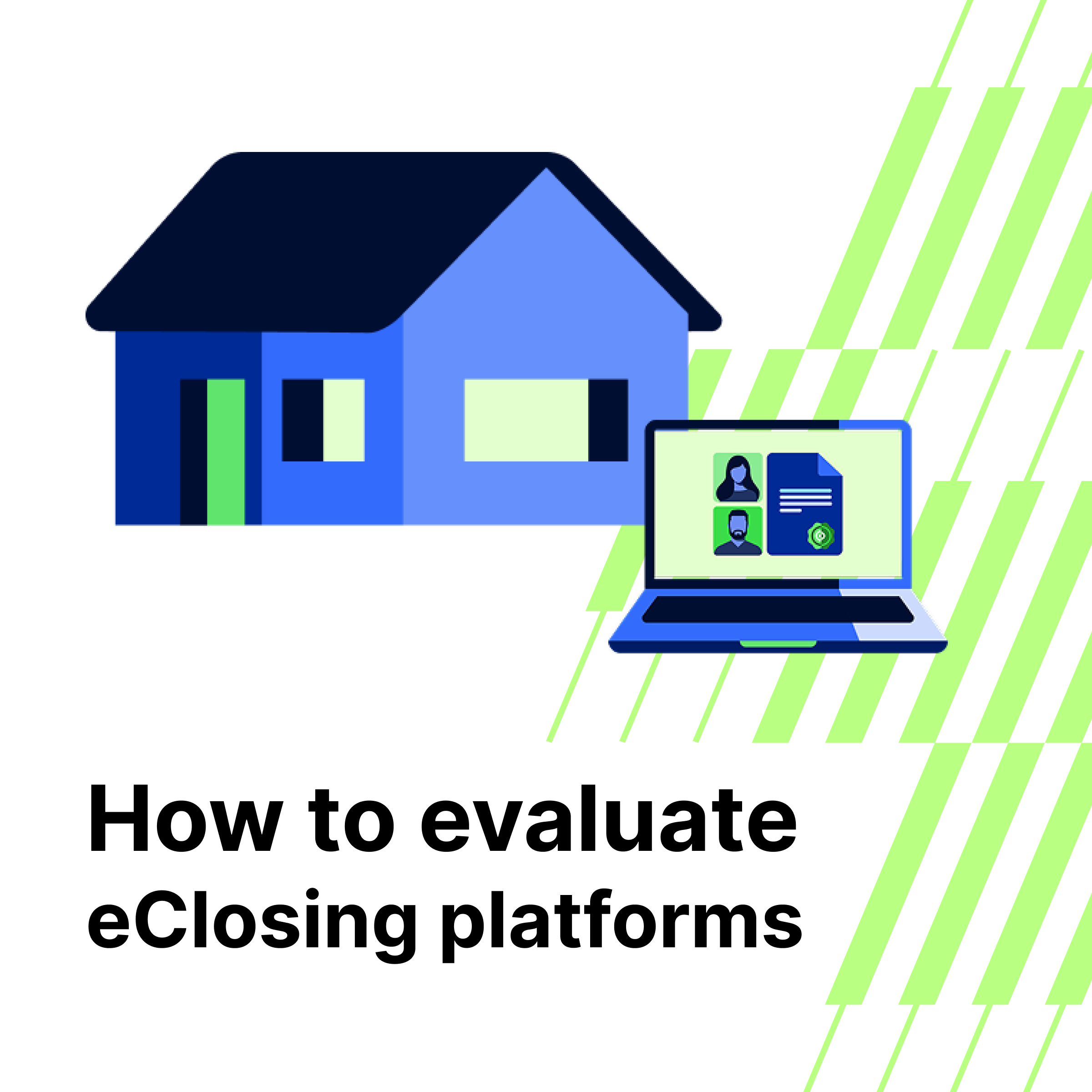
For example, when buying or selling a home, verifying a customer ID in advance of the closing reduces significant risks and saves title companies from wasting their time opening a file and starting a title search for a fraudulent transfer. Verifying a buyer/seller at the start of a home sale, can pave the way to reducing friction throughout the rest of the closing process.
When signing a rental agreement, property management companies should verify identity to begin the rental application process, not end it.
In financial services, fraud doesn’t just happen at onboarding or at login. There are many opportunities in between that are wide open to fraud. Securing a customer request to reset their online banking password, authenticating a call into support, authorizing a wire transfer or access to accounts - these are all interactions that have very little protection, and fraudsters are finding they are easier to exploit than gaining access to a password. 68% of Americans report that their passwords have been hacked due to the constant occurrence of data breaches. This further demonstrates that additional identity verification should be required after initial customer onboarding to prevent fraudulent transactions and avoid significant financial and manpower losses.
This is why we’re introducing Identify with Proof. This is the first ever ‘plug and play’ customer verification solution that can be deployed into all critical customer interactions with no code. Business users can deploy this solution without the need for an IT integration and, along with Defend, advanced fraud detection technology can be enabled over a neatly integrated customer experience.
What is Identify?
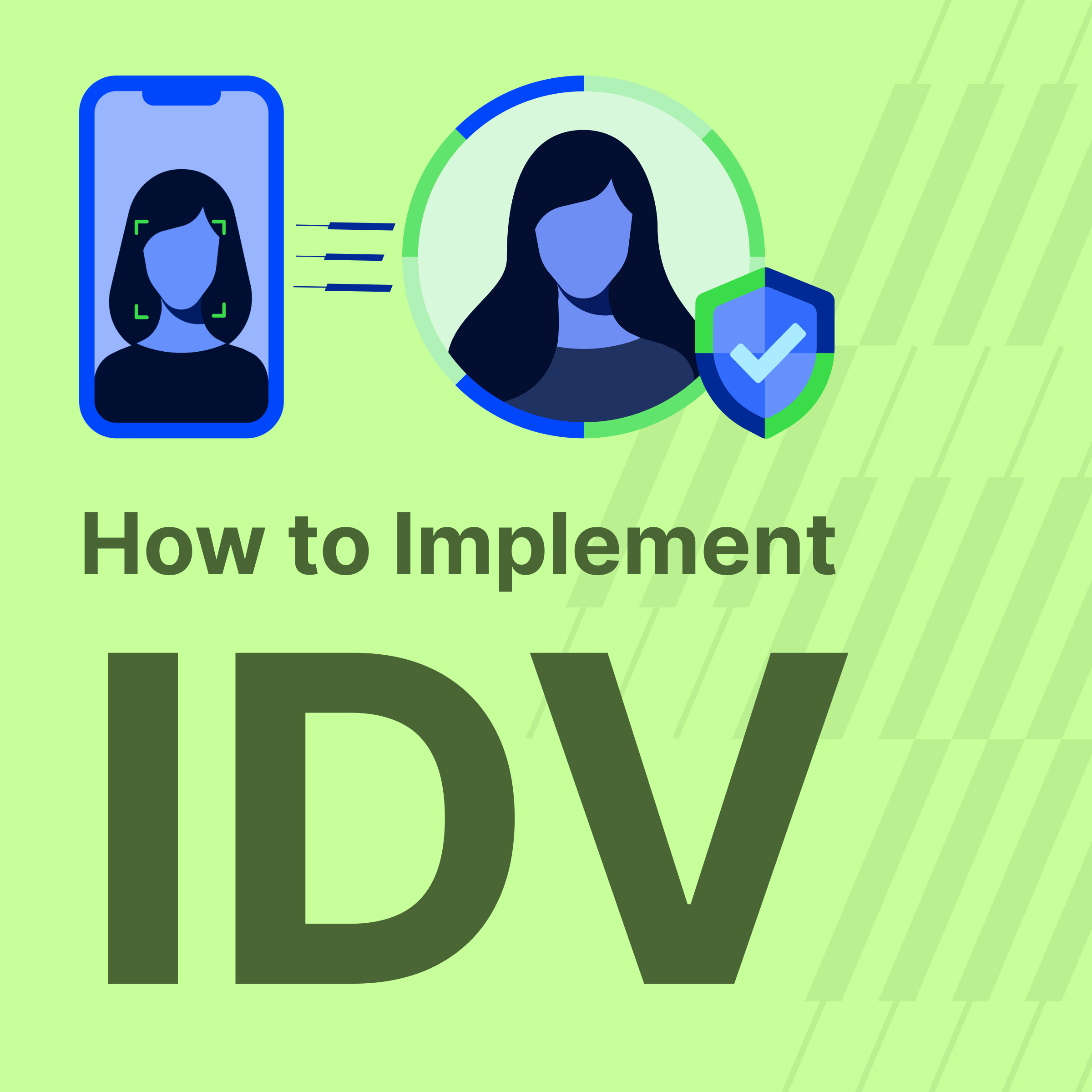
Identify is an out-of-the-box customer experience that is ready to deploy. Businesses no longer have to procure multiple technologies and have IT integrate them into the customer experience. Now they can verify a customer’s identity using the most sophisticated fraud detection capabilities and capture all evidence in a sealed identity report. The entire solution can be deployed by embedding a link within the customer journey or by printing a QR code to use technology to verify an identity in person.
Most businesses spend all of their resources buying a patchwork of technology and integrating multiple vendors into a single point of the customer journey, often at onboarding. Imagine trying to do that across all of the parts of the customer lifecycle where it really matters. Account takeover, password reset, call center impersonation fraud and stolen identities are increasingly common, and fraudsters have found the weak spots within many organizations. In many cases, there is no fraud detection technology or identity verification deployed with these customer scenarios.
How do I use Identify?
Identify is immediately available to all business and real estate customers. With EasyLinks, businesses can get started today by putting a link on their website or sending it via email communication to their customers. Alternatively they can print a QR code if they want to run Identify when the customer is in person. And, of course, we have APIs if a business would like to build an integrated solution.
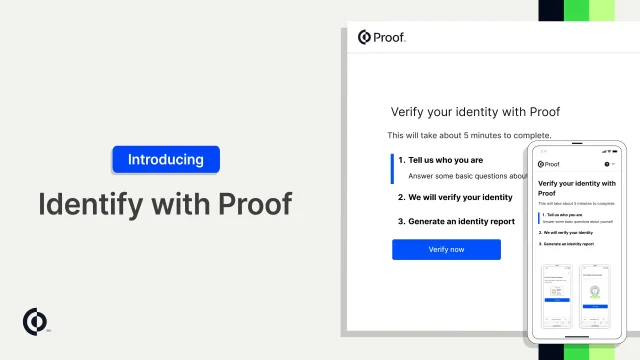
Introducing Identify with Proof
Press O for more options
Click for sound
1:50
To get started you will:
- Create a new Identify Easylink.
- Choose from a selection of Identity verification options. You may ask your customer to verify their identity through a variety of ways
- They can answer knowledge based questions;
- They can scan their ID document and perform a biometric comparison; or
- They can verify their ID via an identity verification workflow that meets federal security standards (NIST IAL2). This option provides the ability to connect with an agent if the digital process fails (additional charges apply)
- Generate a QR code, access link, or embeddable button upon saving the Easylink transaction.
- Share one of the above options with your customer to kick off the identity verification process. that you specified.
- When your customer completes the process, you will be able to log into the dashboard and review the transaction details and download the identity report for your records.

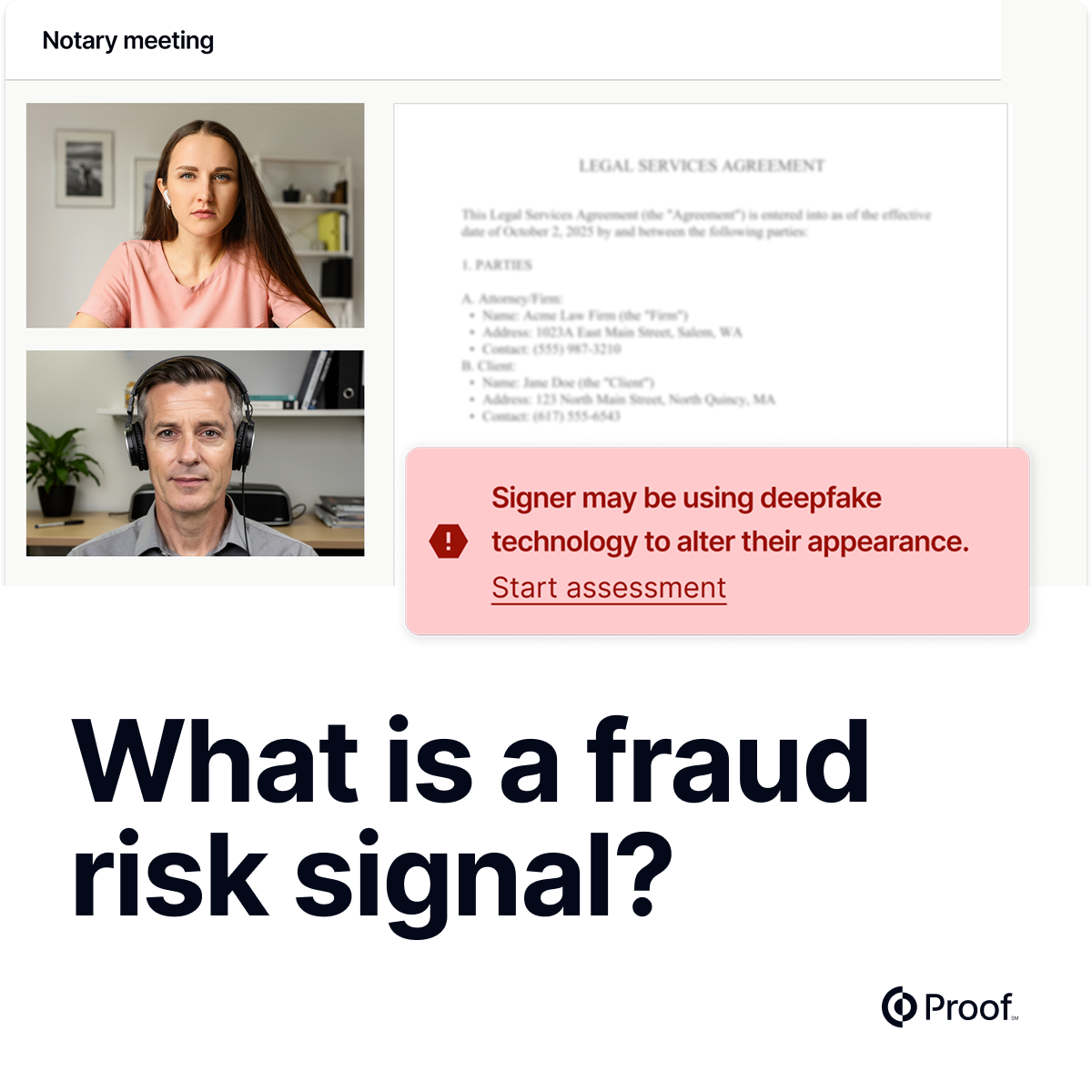
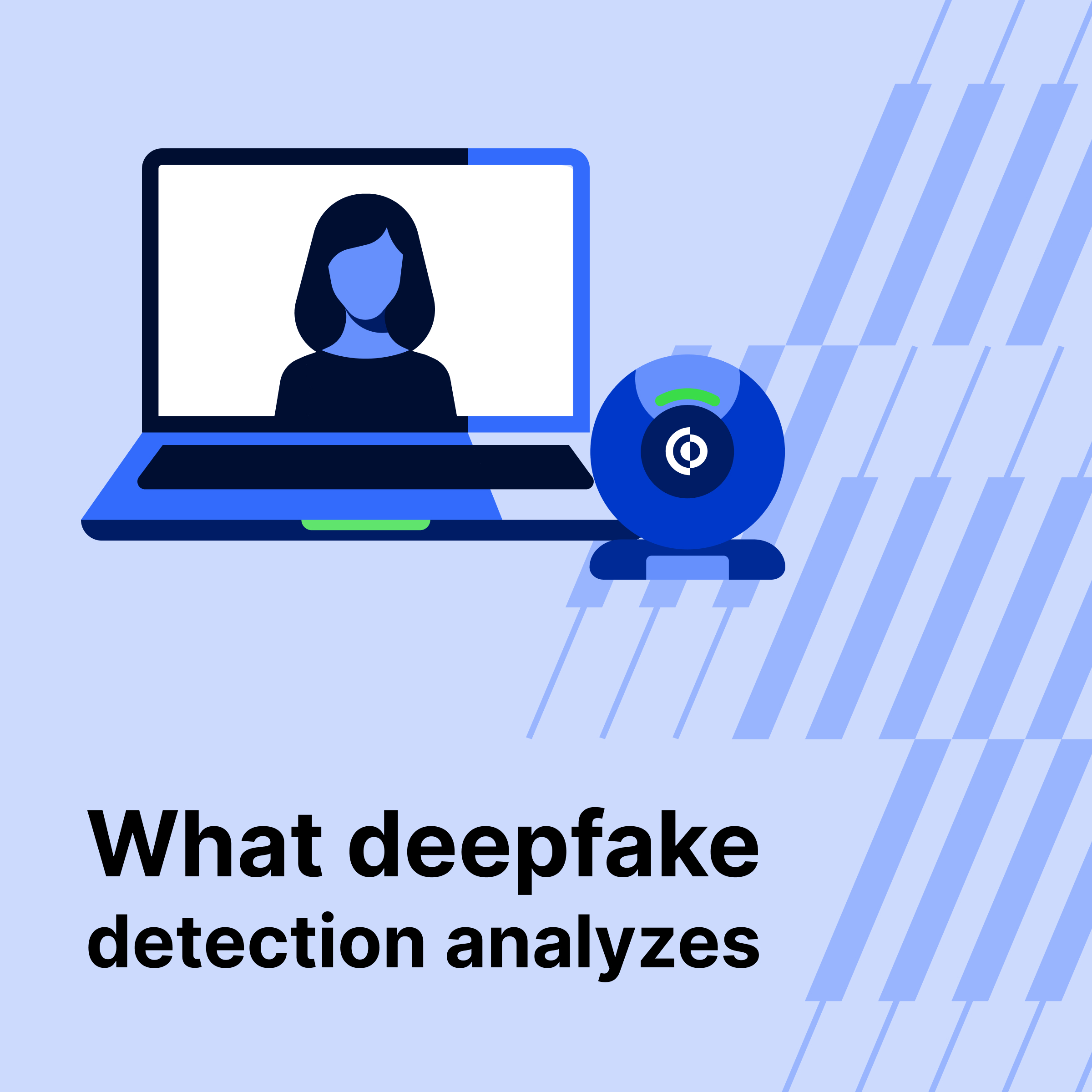
Defend is our fraud detection platform. It analyzes hundreds of different data points on an identity, including their location, phone score, email score, and even behavioral data to determine if a customer might be a bad actor. When an organization enables Defend, it runs for every Sign, Notarize and now Identify transaction. For every customer interaction run on Proof, transactions will be flagged if the platform detects any risk.
To learn more, contact our sales team.



















.jpg)































.jpg)